Introduction
Use Export to PDF to create a clean, shareable version of your survey. PDFs are intended for review and documentation, such as sharing with stakeholders, clients, or professors, rather than for paper-based data collection.
To export:
- Open a survey.
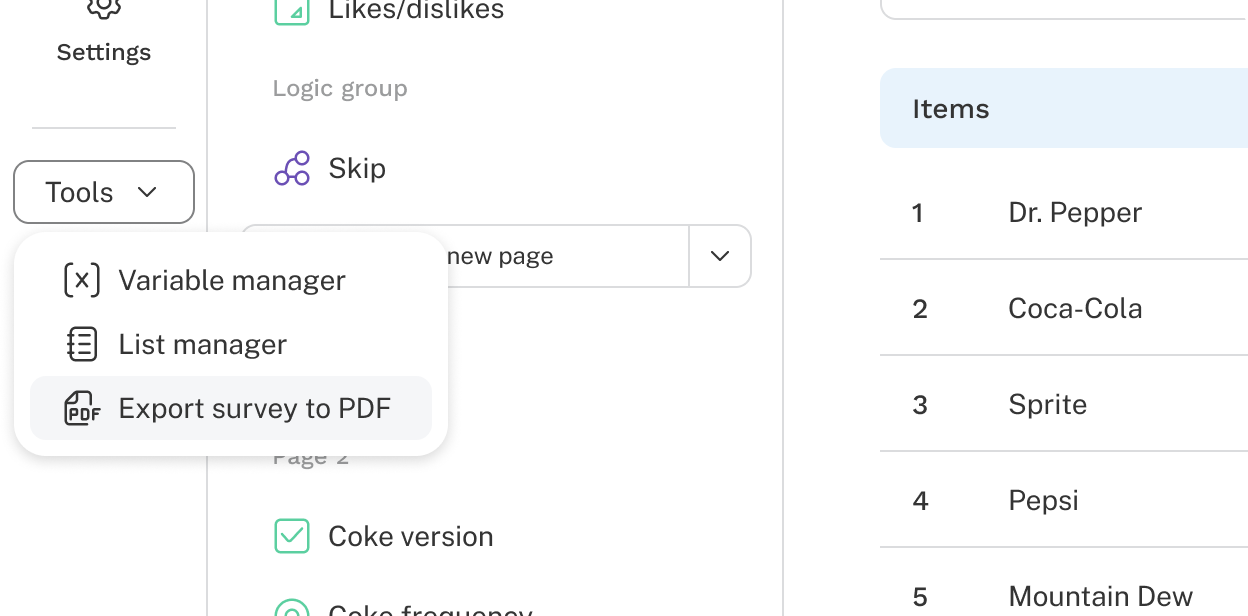
- Open the Tools menu.
- Select Export survey to PDF.
The PDF is generated and downloaded.
The export preserves your survey structure and question content so others can review it without needing access to Discover.