
Smart follow-up question

Introduction

Smart Follow Up

The smart follow-up question lets you dig deeper into a respondent’s open-end response. It uses AI to analyze both the previous question text and the respondent’s answer, then generates a follow-up that prompts richer insight. This is especially useful when the original answer is short, low-effort, or vague.

Example flow:

  • Q1: How was your most recent shopping experience at our store?
  • Response: It was good. The employees were helpful.
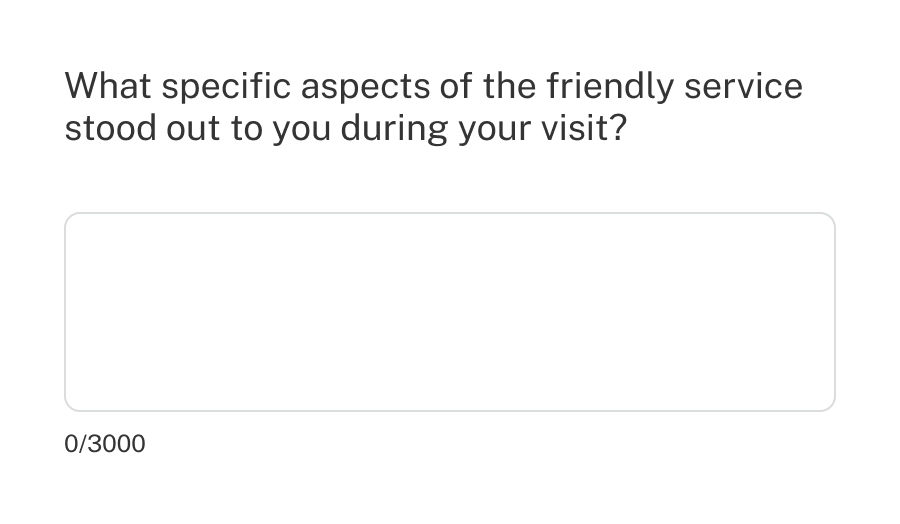
  • Follow-up: What specific aspects of your experience contributed to it being good, and how did the employees assist you?

The smart follow-up question is available to all paid subscribers with AI features enabled.

Creating a smart follow-up

  1. Click any add button.
  2. Select Smart follow-up.
  3. Choose the Source question (an existing open-end question).
  4. (Optional) Enter Additional instructions to guide the AI’s tone or focus.
  5. Customize the open-end settings.

How it works

Smart follow-up includes a built-in prompt that guides the AI to write clear, neutral, and helpful probing questions. When a respondent submits an open-end answer, AI is used to evaluate its quality relative to the original question text and choose the best next step.

The prompt can be refined with additional instructions if you want to influence the AI’s tone or focus.

The AI internally assigns a quality score (1–5) based on how clear and detailed the response is and chooses the next best step.

  • 1 (the lowest possible score): The follow-up question will explain that the answer was not understood and repeat the question.
  • 2–4: Will seek to add value depending on the answer provided, such as asking for clarification or seeking specific examples.
  • 5 (the best possible score): The AI will summarize the feedback and ask for confirmation.

All follow-up questions include a prompt to:

  • Be neutral and non-leading
  • Use the same language and tone as the original question
  • Try to focus on one topic and be about one or two sentences

Additional instructions

You can adjust how Smart follow-up behaves by adding extra guidance that the AI considers alongside its built-in prompt.

Use this field to nudge the AI toward a specific focus or tone. For example, you might:

  • Ask the AI to always follow up on price if it’s mentioned, or to bring it up if it isn’t.
  • Request a certain tone, such as keeping the language conversational or formal.
  • Suggest skipping the follow-up when the answer receives a particular score, like 1 or 5.

These instructions help fine-tune results to your research needs, but output may still vary. The same input may not always produce the same follow-up question.

Settings

In addition to the Additional instructions, all standard open-end settings are available (for example, single vs. multi-line layout, character counter, etc.).

For details, see the Open-end question documentation.