

Introduction
If some of your respondent data appears to be missing, it’s usually due to filters, dataset selection, or recent survey changes, not data loss. Use the steps below to diagnose the most common causes.
If some of your respondent data appears to be missing, it’s usually due to filters, dataset selection, or recent survey changes, not data loss. Use the steps below to diagnose the most common causes.
When you publish a survey, Discover’s Data summary and Analysis areas show Live data, which includes respondents who have progressed to a Survey ending.
However, if you’ve used Test survey to take the survey yourself, Discover automatically switches the dataset source to Test data so you can view your own record. When this happens, live respondent data will no longer appear until you switch the dataset source back.
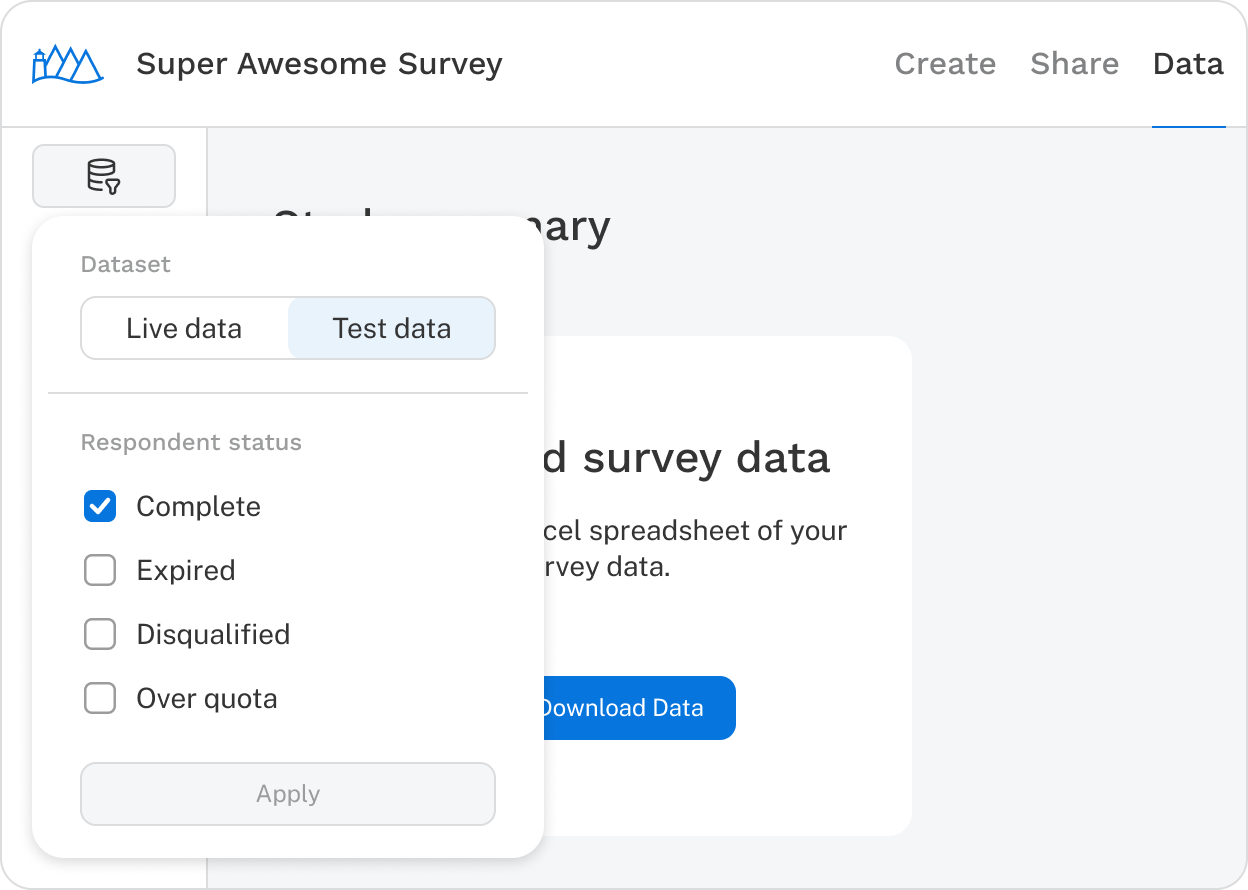
Note: Incomplete respondents do not appear in Summary or Analysis until they reach a Survey ending or are manually marked as Expired.
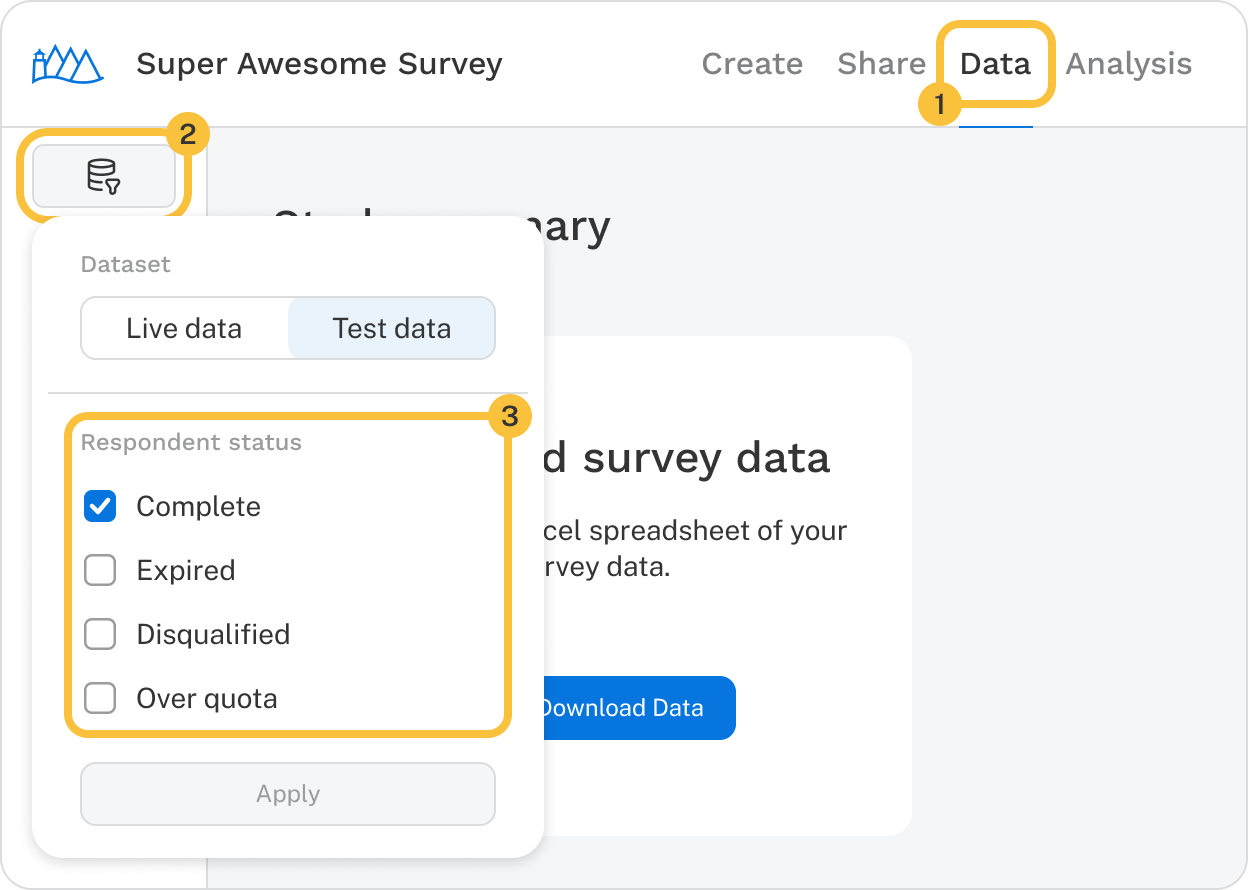
By default, Discover shows:
If you expect to see additional records, double-check the Respondent status filters to ensure they match what you’re looking for.
Discover allows you to clean data by pasting in a list of Record IDs or author-defined Unique IDs.
To review cleaned records:
If records were cleaned unintentionally, you can click Restore all records to undo previous cleaning actions.
If you make a substantial change to a CBC or MaxDiff exercise, such as adding or removing attributes or levels, previously collected data may no longer be compatible with the current design.
When this happens:
If a substantial change was made by mistake, contact the support team at support@sawtooth.com to discuss possible options.
Important: If you collect additional data after a substantial change, it is not possible to analyze the two respondent batches together.
Support: support@sawtooth.com
Consulting: consulting@sawtooth.com
Sales: sales@sawtooth.com
Student Grants: studentgrants@sawtooth.com